
Multi-Layer Watermarking
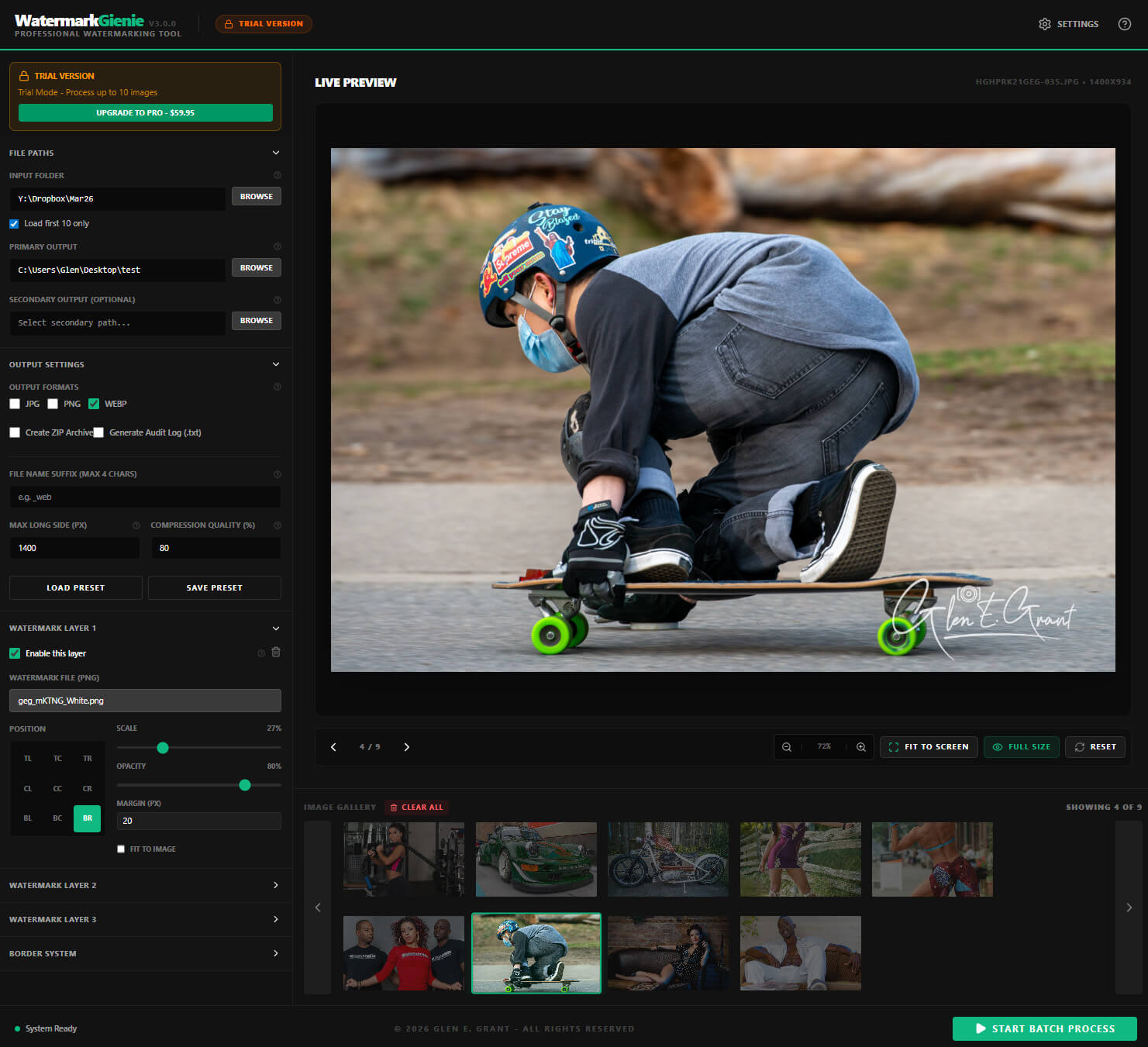
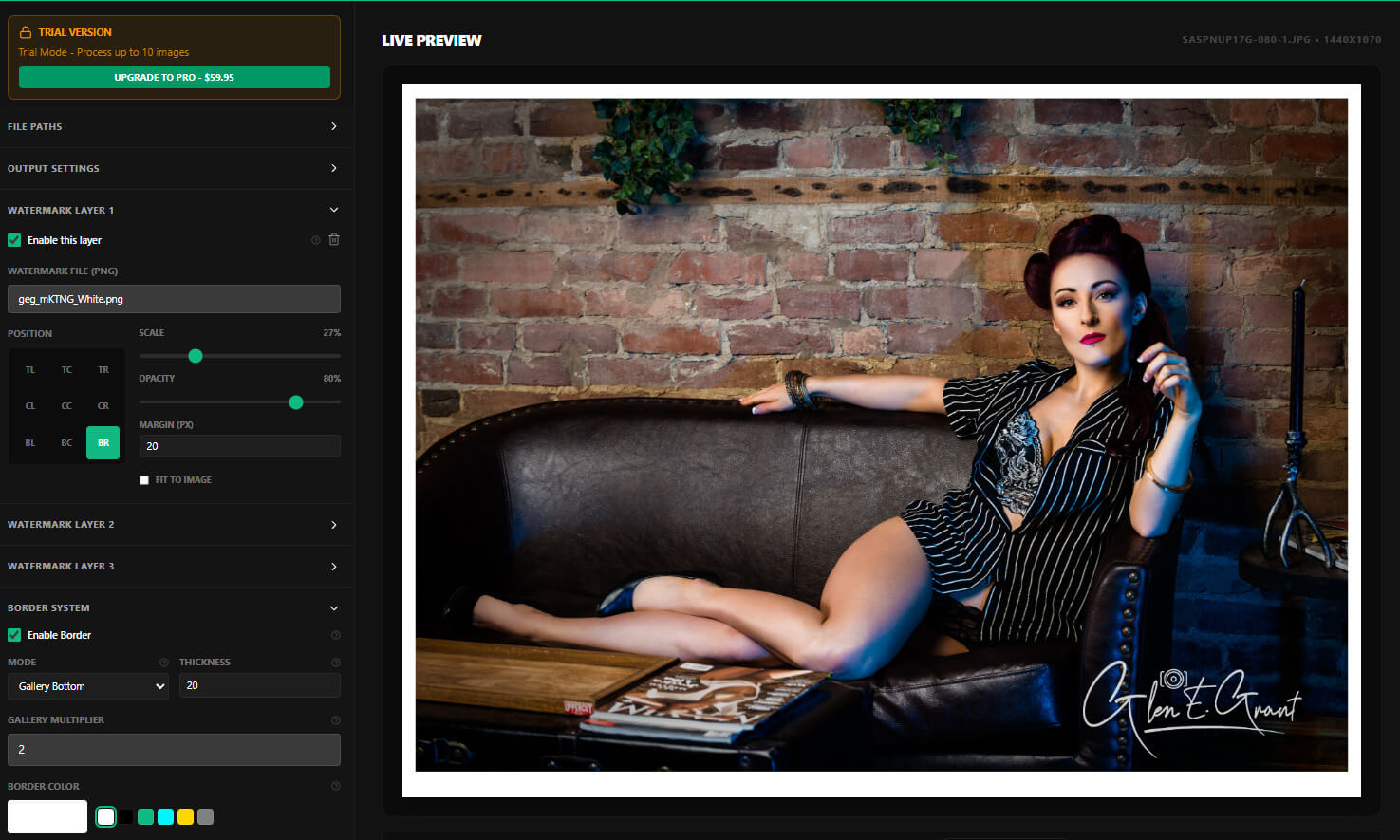
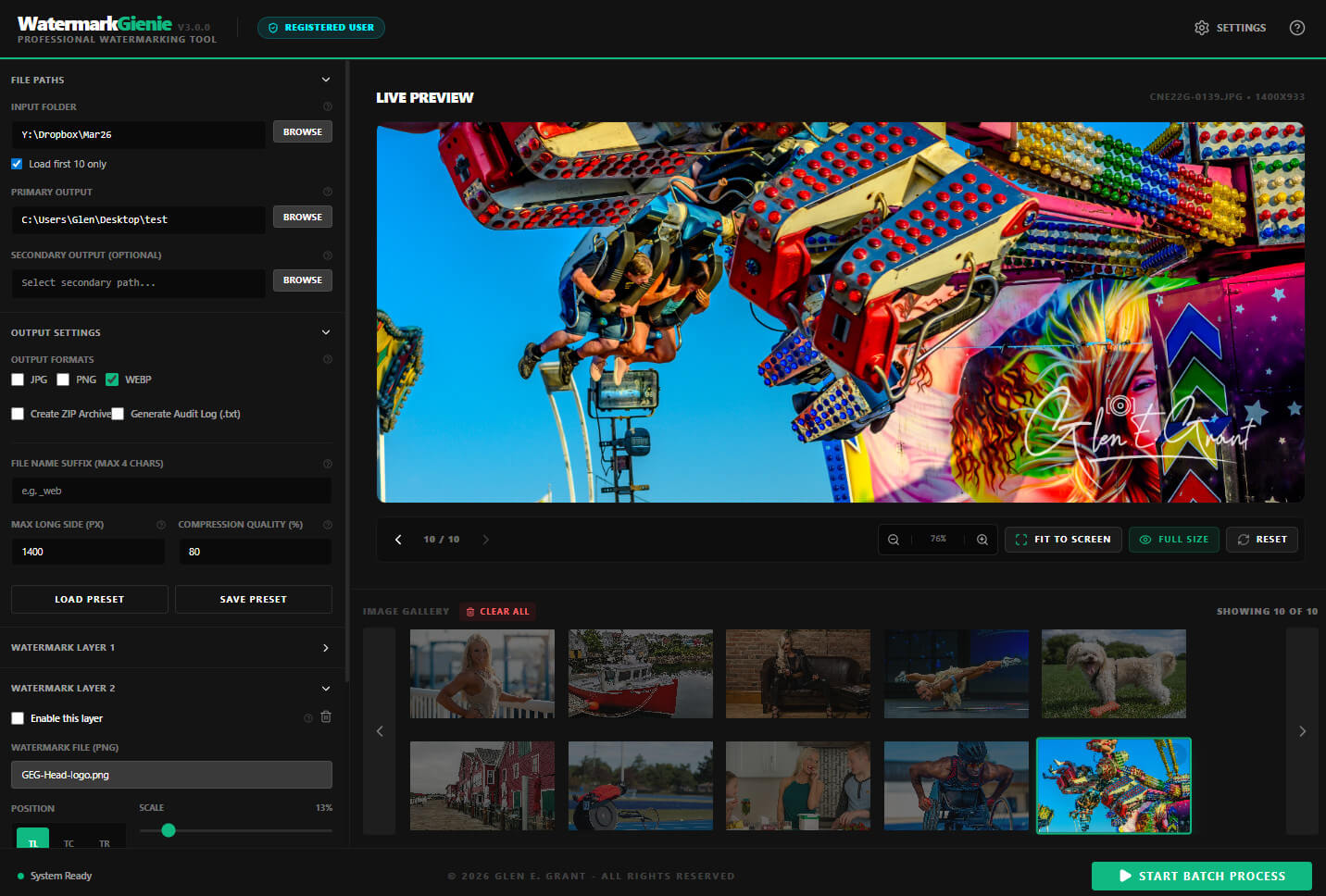
Stack up to 3 independent watermark layers. Position each at any of 9 anchor points with precise scale, opacity, and margin control.
Commercial Release · Windows v3.0
Professional Windows desktop tool for photographers, agencies, and creators. Batch-process your entire library with layered watermarks, embedded copyright, and EXIF metadata. All offline. All private. All fast.
Why it exists
Most watermarking tools are browser tabs, cloud services, or throwaway apps that upload your images before they are even protected. Slow, limited, and weak where it matters most: control, privacy, and repeatability.
Watermark Gienie is a real Windows application that runs on your machine. No subscription. No upload limits. No waiting for a server response. Your images, your computer, your rules.
Real Output · Real Photographers
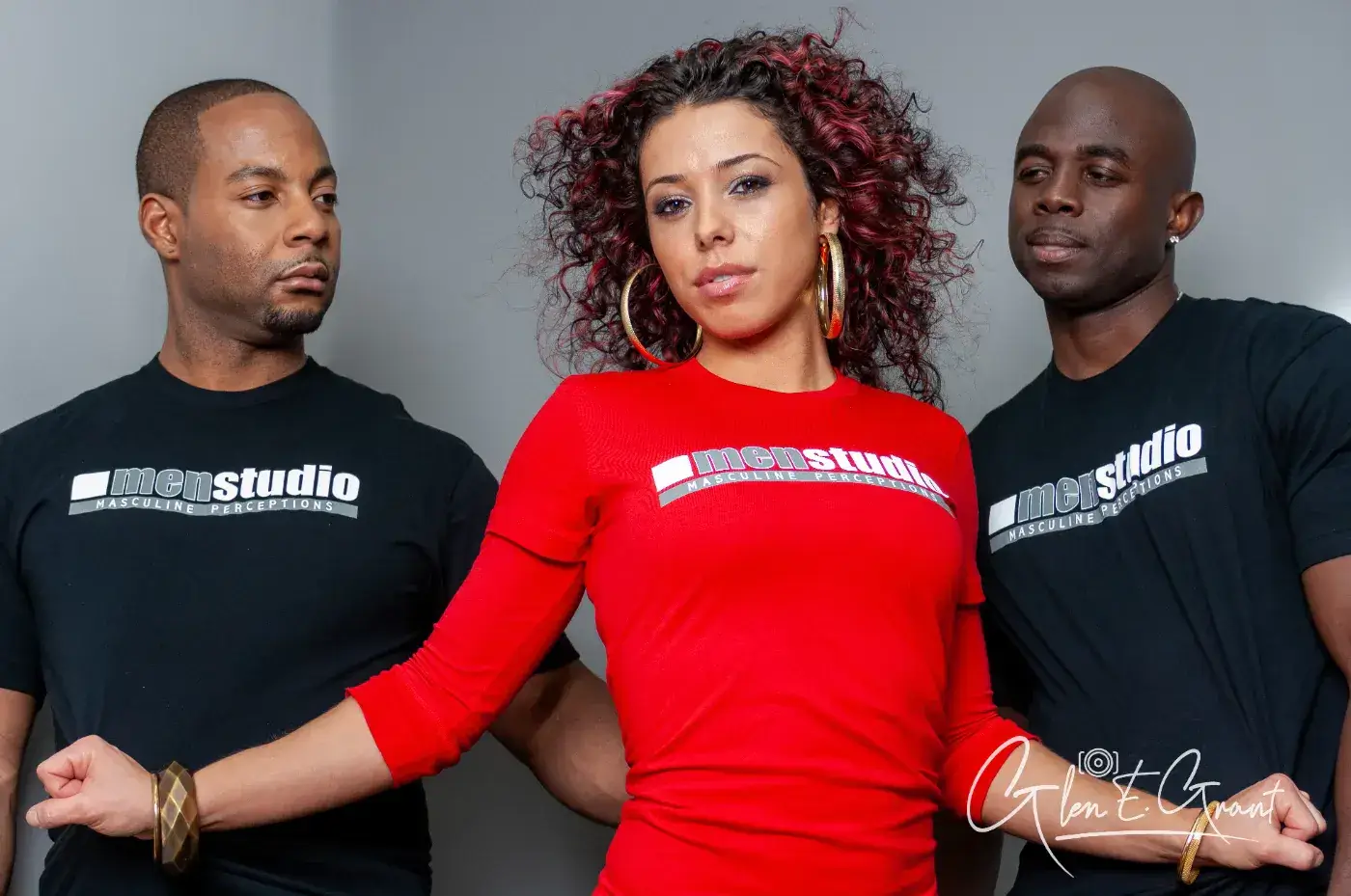
Every image below was processed through Watermark Gienie. Portrait, editorial, event, lifestyle. One tool. Consistent results. Click any image to view full size.








Feature breakdown
Built by a working photographer who needed a real tool.
Every feature earns its place.
Click any screenshot to inspect it up close.
Stack up to 3 independent watermark layers. Position each at any of 9 anchor points with precise scale, opacity, and margin control.
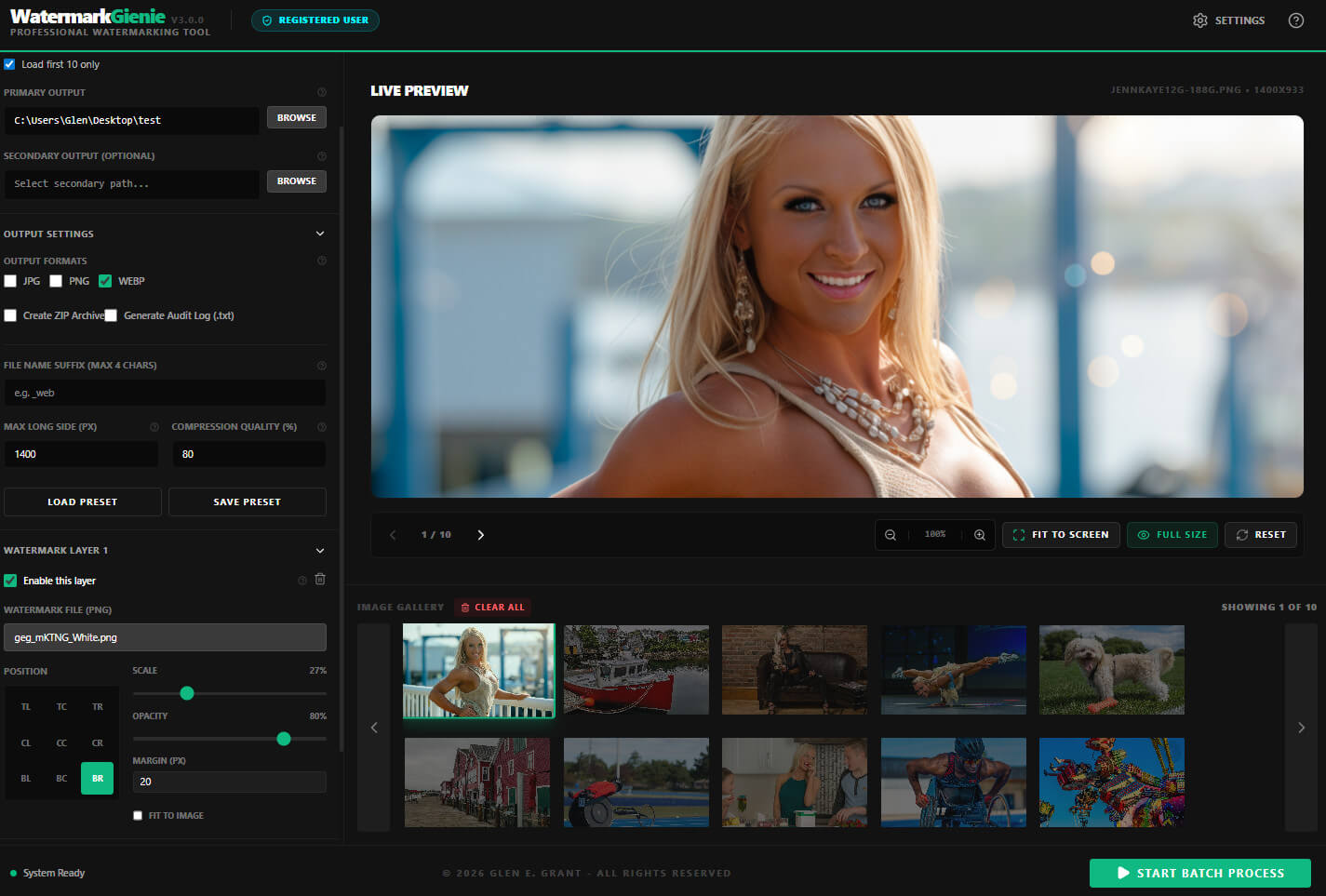
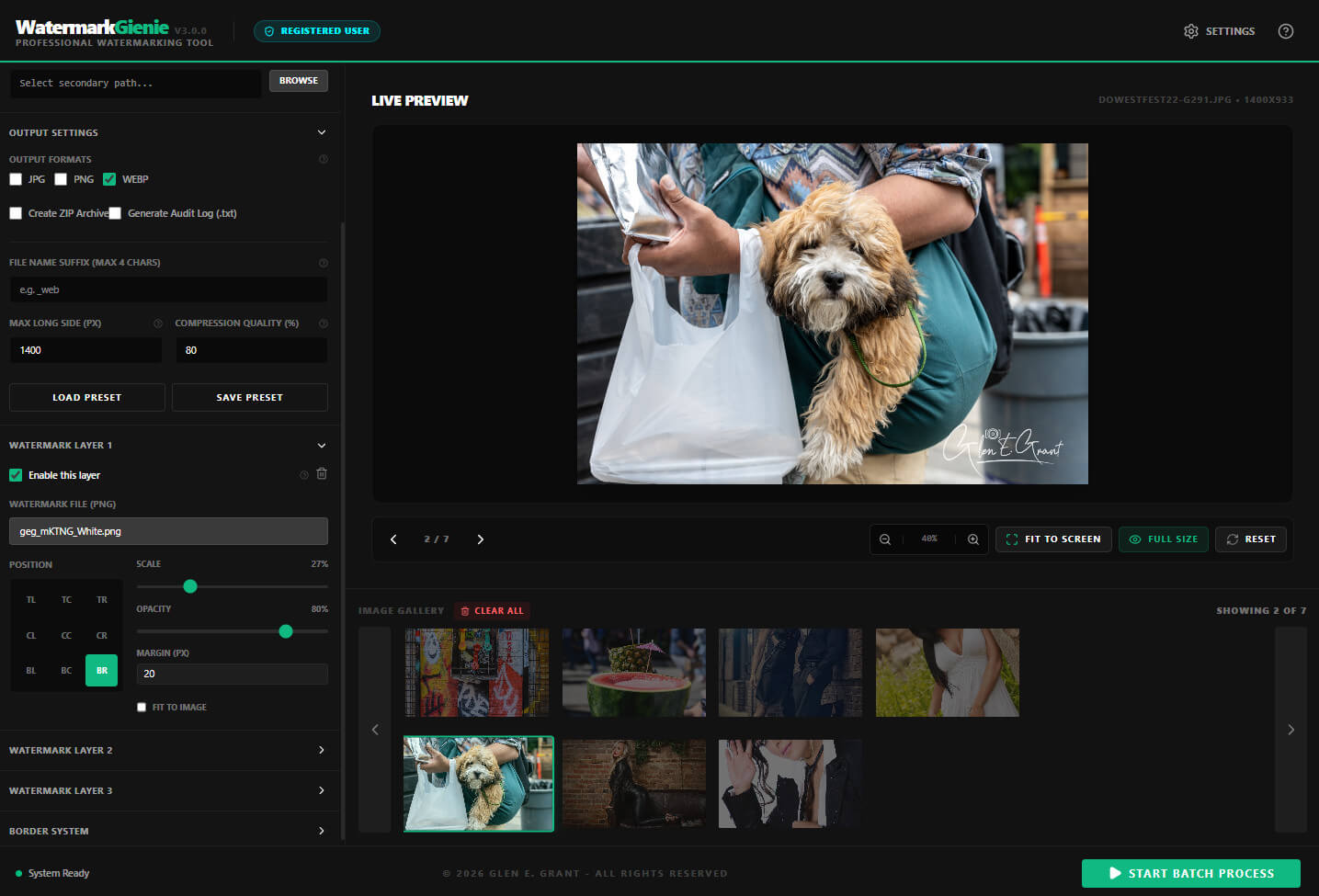
Every adjustment renders instantly. Pan, zoom, and inspect placement before committing to a batch run. What you see is exactly what exports.
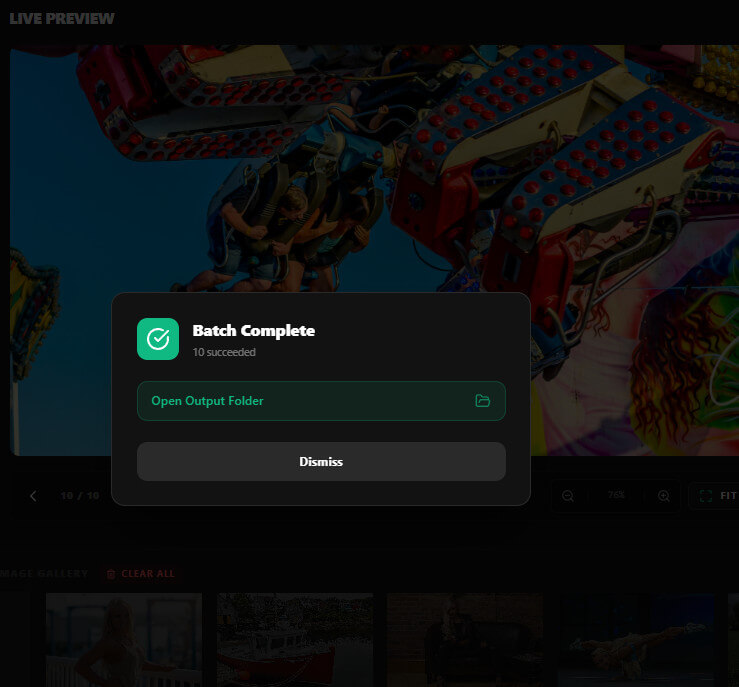
Process an entire folder in one click. Monitor progress in real time. Open your output folder directly from the completion panel when done.
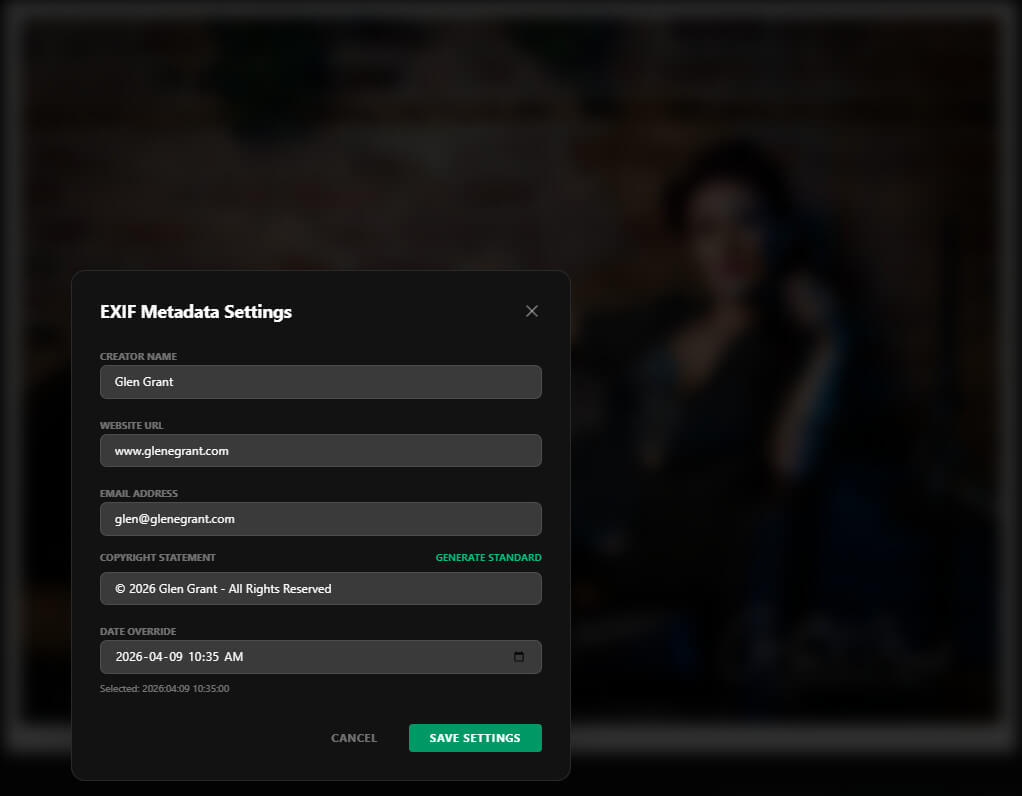
Creator, Copyright, Website URL, Email, and Date written directly into every output file. Persistent rights information baked in. Every time.
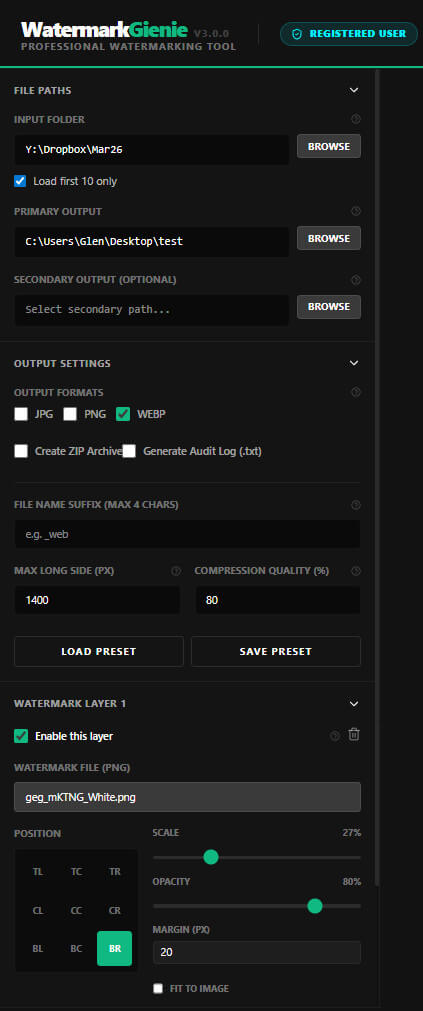
Save your full job setup and reload it in one click. Build a library of presets for client delivery, stock submission, web export, and archive runs.
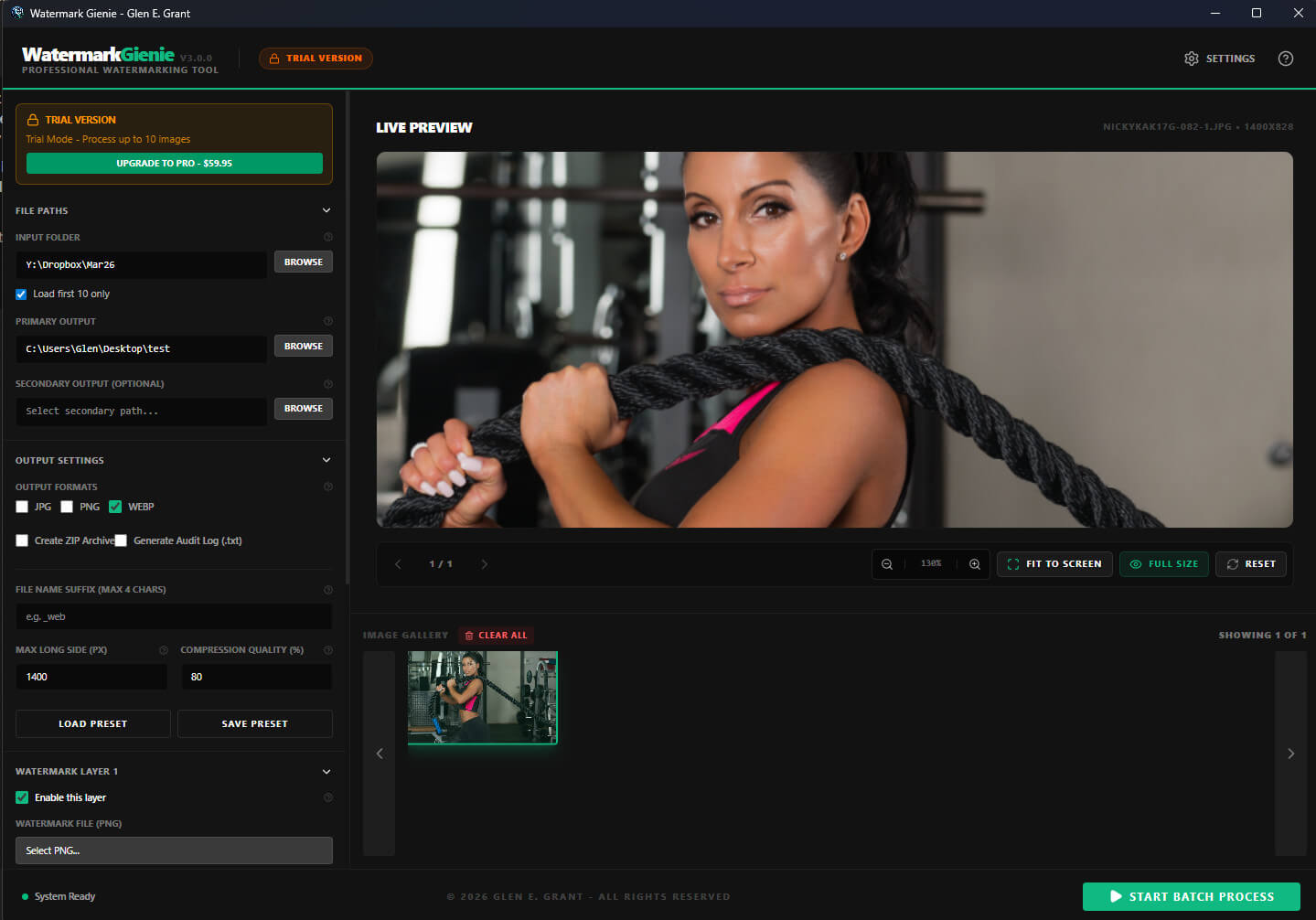
Start free with the full-featured Demo version. Upgrade to Pro for unlimited batch size, no Demo badge, and all future updates included at no extra cost.
How it works
Three steps: load, configure, export.
Your output folder opens the moment your batch is done.
Point to your input folder. Choose to preview the first 10 images or load the full folder. Drag and drop individual files also supported.
Set watermark layers, border, output format, compression quality, EXIF metadata, and output paths. Save the entire setup as a preset for future use.
Click Start Batch Process. Monitor progress in real time. Open your output folder directly from the completion panel the moment the run finishes.
Under the hood
Watermark Gienie is a native Windows desktop application built on Electron, React, and Vite. Processing uses local canvas rendering. Output stays on your machine from first load to final export.
Pricing
Start free.
Upgrade when you are ready.
No recurring fee.
No cloud dependency.
No hidden cost.
Try the full workflow with a 10-image batch limit. No credit card required. No account needed.
The commercial release for photographers, agencies, and creators who need real local throughput without a monthly fee.
Made by a working photographer
Watermark Gienie was built by Glen E. Grant, a commercial and editorial photographer based in Ontario, Canada, with 25-plus years of professional shooting experience and 35-plus years in IT.
This tool was built to solve a real workflow: batch-watermarking thousands of images for client delivery, archiving, and stock submission. Fast, private, and without a monthly fee.
No images are ever uploaded. No API calls to an external service. No hidden cost. Local processing only, from first load to final export.
FAQ
Currently Windows 10 and Windows 11 only. Mac support is on the roadmap for a future version.
No. All processing happens entirely on your local machine. No images, metadata, or personal data are sent to any server at any point during the workflow.
JPEG, PNG, WebP, TIFF, and BMP are supported as input. Output formats are JPEG, WebP, and PNG with configurable compression quality per run.
Yes. The Demo version is free with no time limit. It processes up to 10 images per batch with all features fully enabled.
Unlimited batch size up to 5,000 images, removal of the Demo badge from the interface, and all future version updates at no additional cost.
After purchase you receive your licence details. Activation happens inside the app through the registered-user workflow. No internet connection required after activation.
Windows 10 or Windows 11, a modern processor (4 cores or more recommended), and at least 8 GB RAM for comfortable large-batch processing. No GPU requirement.
Ready to protect your work?
Layered watermarks, EXIF metadata, border framing, compression control, and local batch export in one private Windows workflow.